Gatálogo
Your reading journal
Track your books, follow your reading and celebrate every page. No account, no ads, no internet needed: everything stays on your phone.
Free, with no ads and no in-app purchases.

See Gatálogo in action
Add books, follow your progress, keep your streak, and share your reading. All in a cozy app made for people who love to read.
The video starts muted. Use the player sound button to listen.
Everything you read, in one place
From the first chapter to the last page, Gatálogo keeps your story as a reader.
Your library
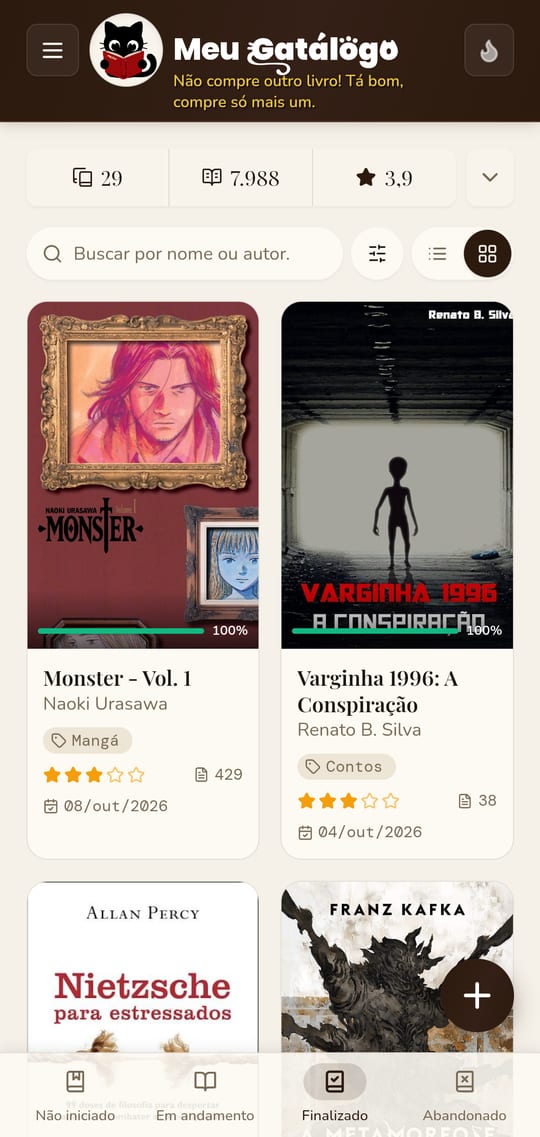
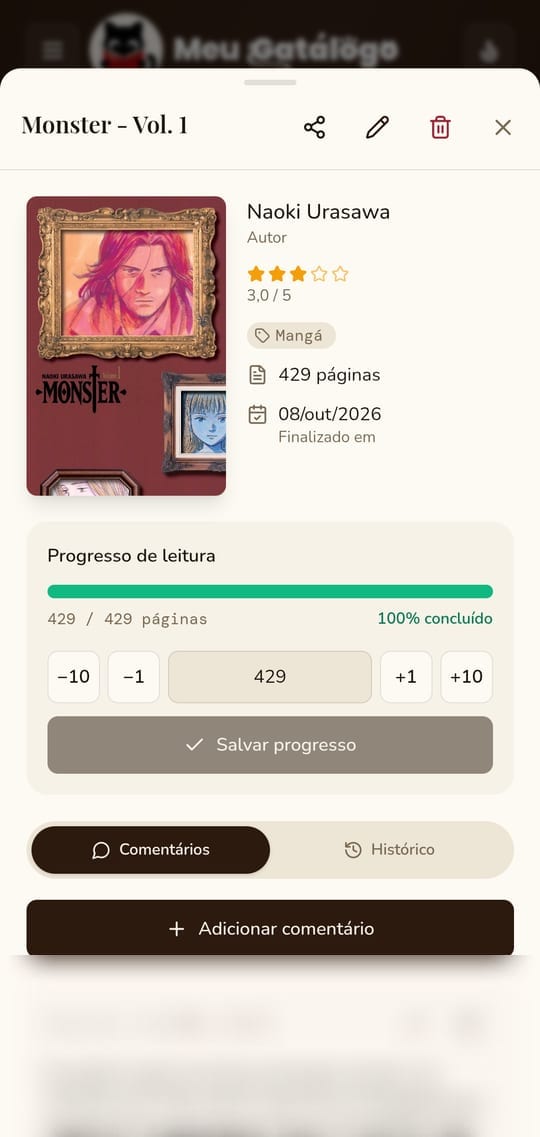
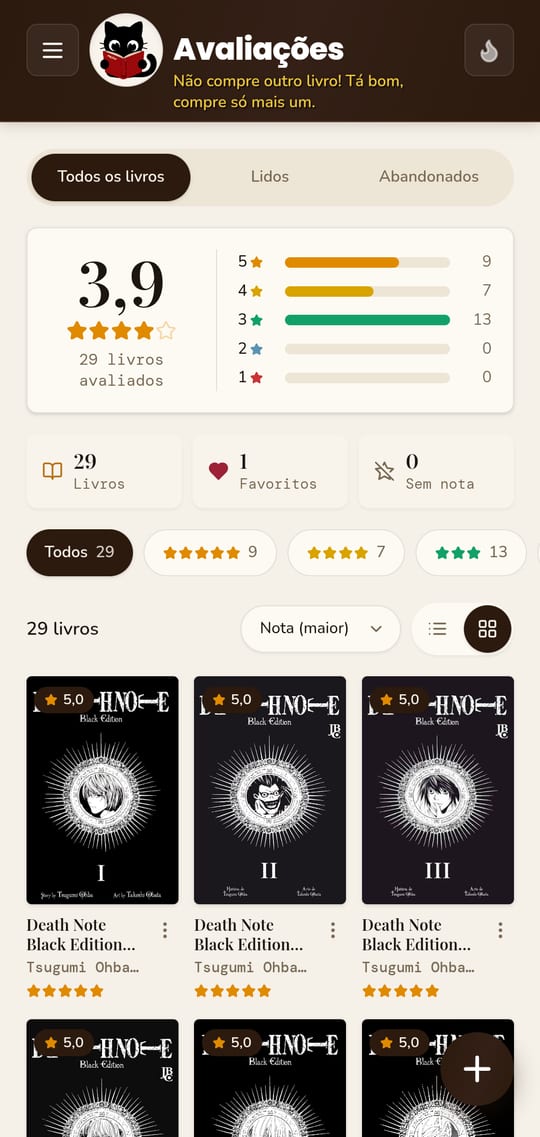
Cover, author, genre, pages, dates, rating, favorites, and comments. Follow the progress of every book.
Collections and genres
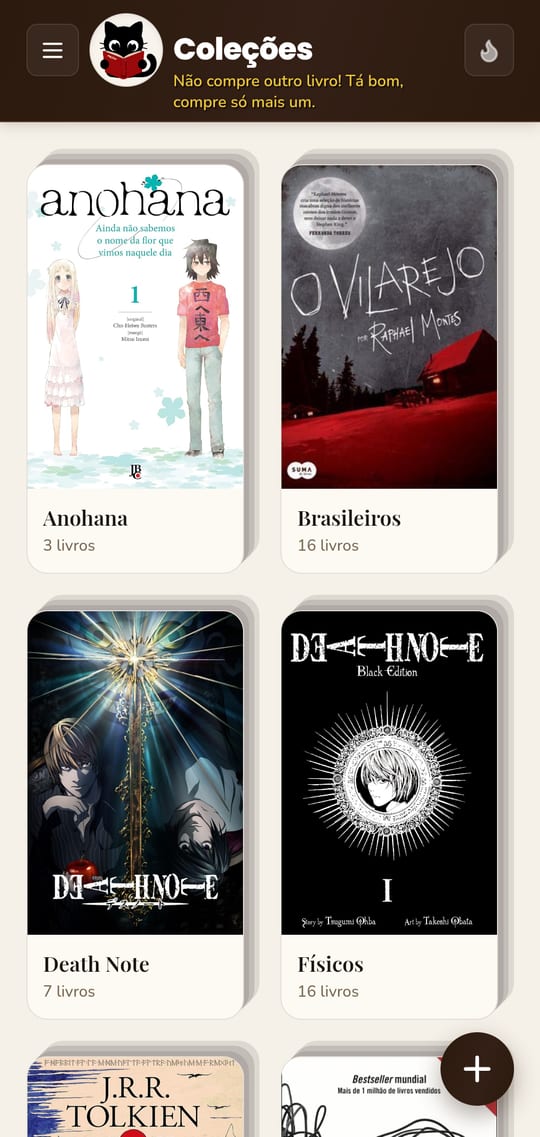
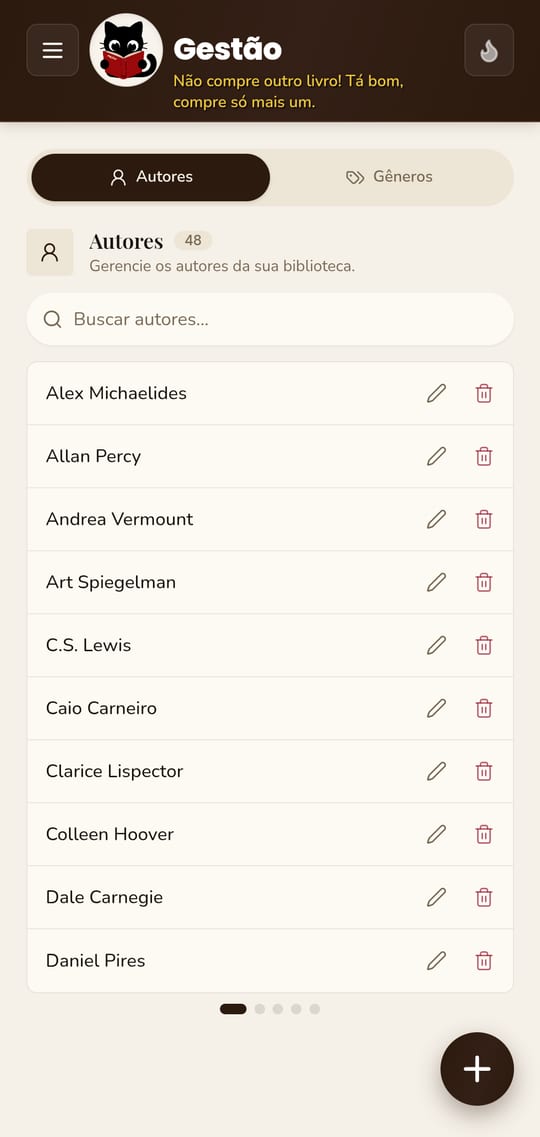
Group books your way and give every genre an icon and a color.
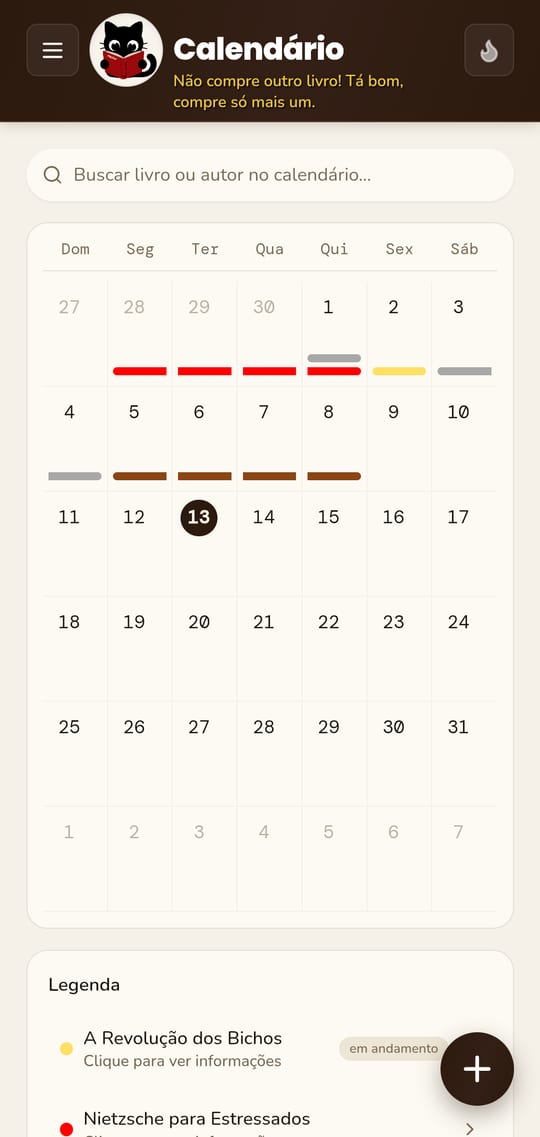
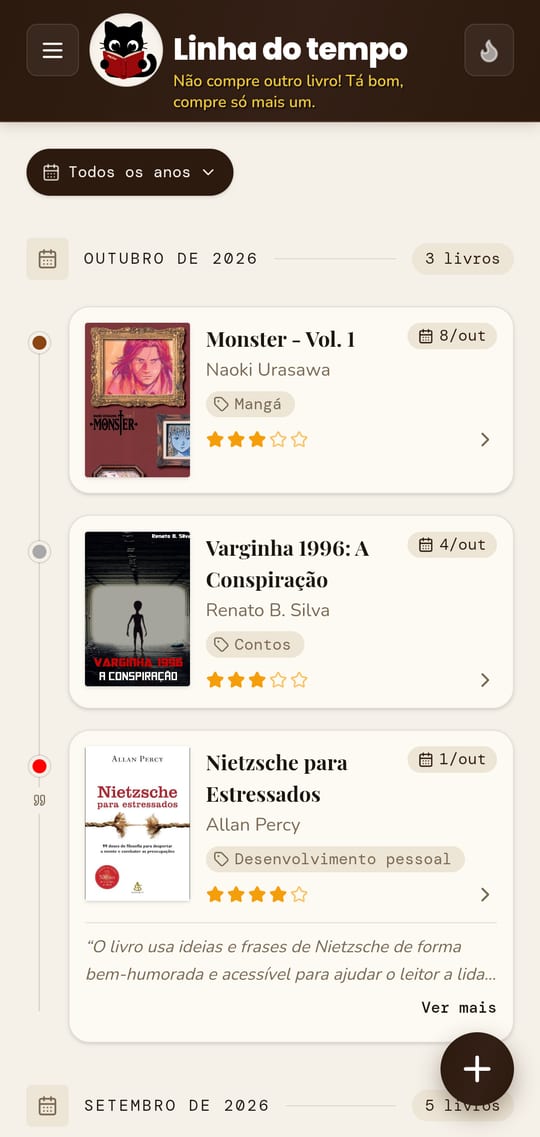
Calendar and timeline
See when you started and finished each book, month by month.
Statistics
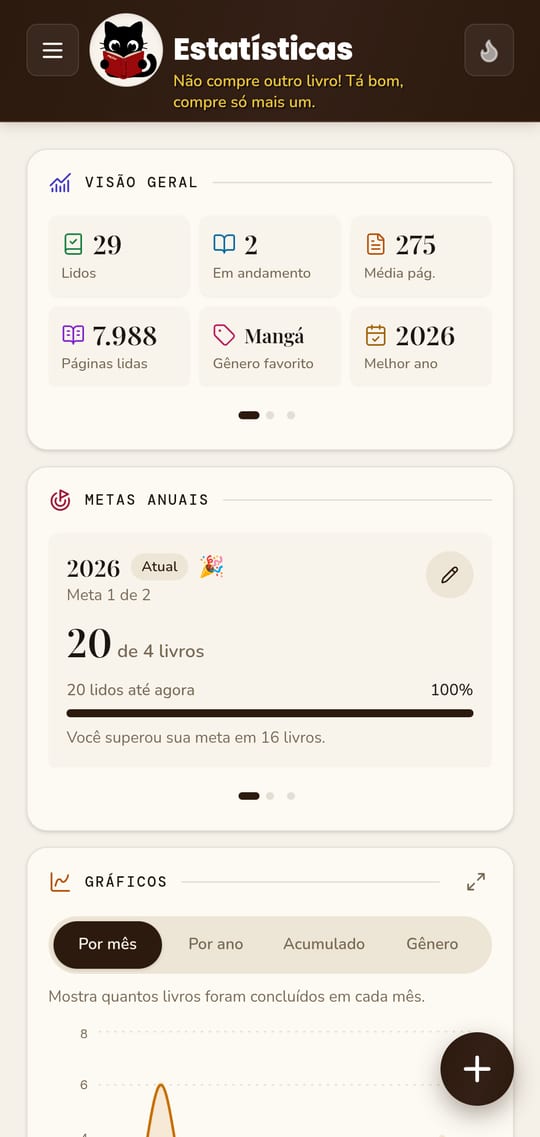
Charts, reading time, page ranking, yearly goals, and your yearly recap.
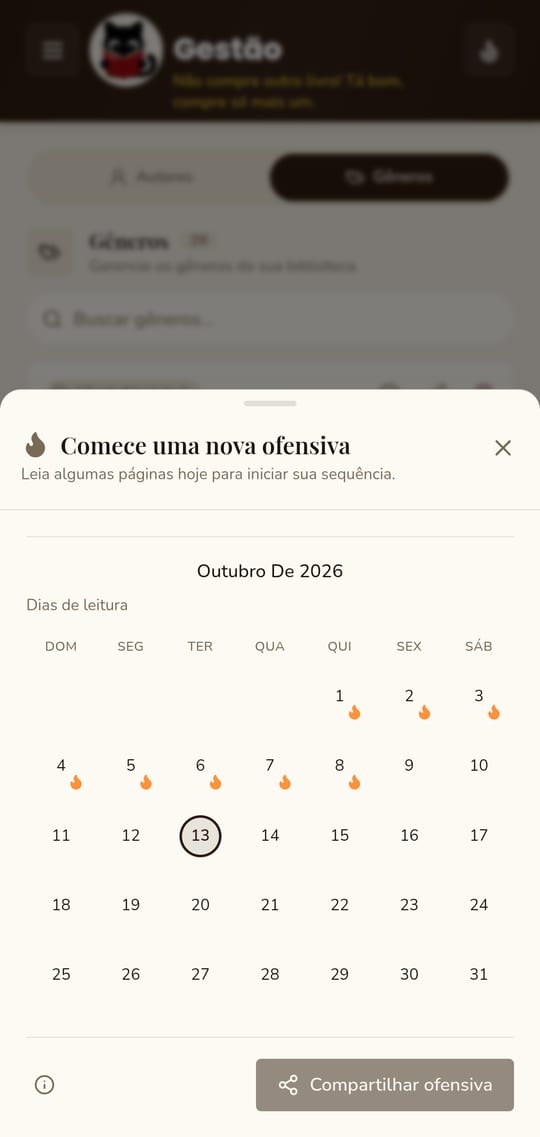
Reading streak
Keep your daily reading streak, with reminders that only show up when you have not read yet.
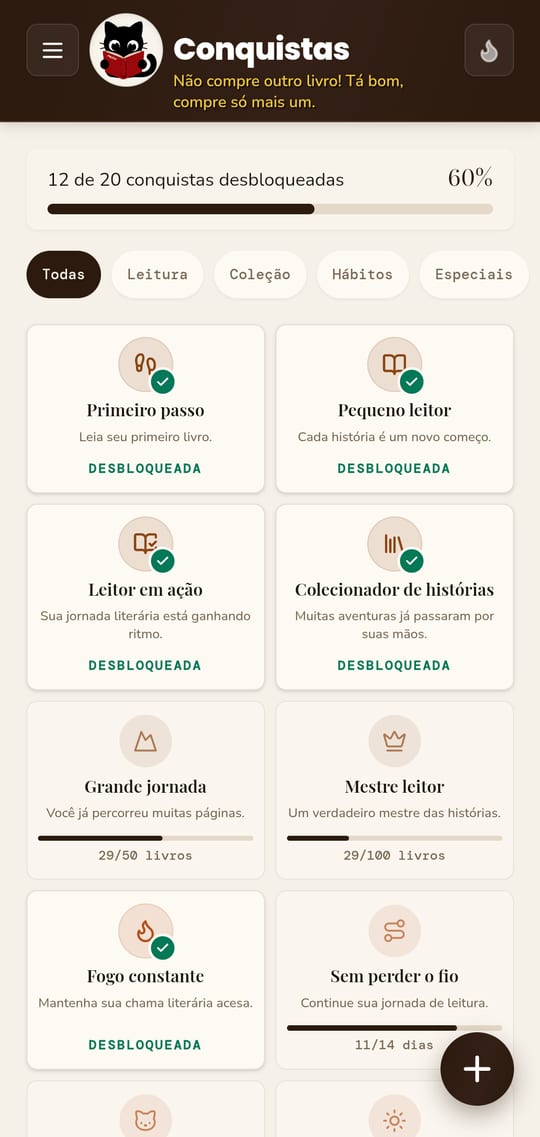
Achievements
Unlock badges as you read and celebrate every finished book.
What to read next?
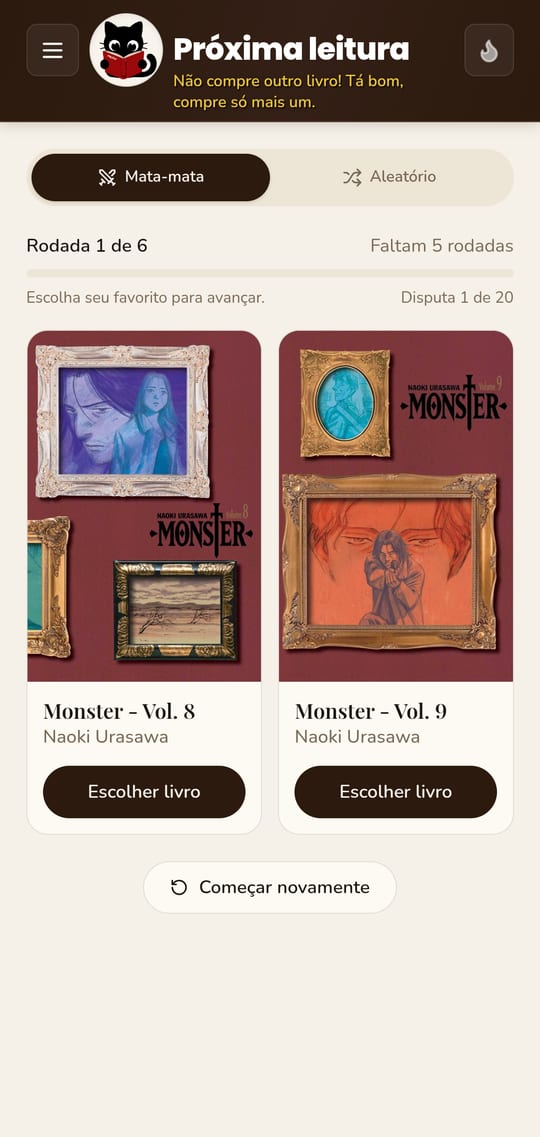
Run a bracket between your unstarted books, or let chance pick.
Share
Images ready for WhatsApp and Stories, a book file for another reader, and a .docx document.
Full backup
Export your whole library, covers included, to a file and restore it whenever you need.
Cozy, beautiful, and made for readers
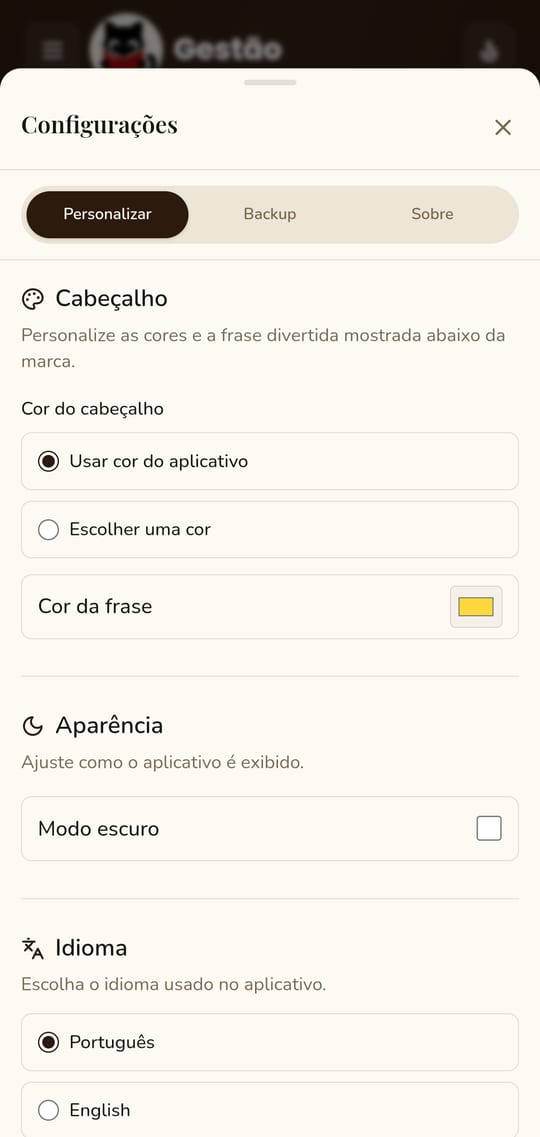
Swipe sideways to see every screen in the app.
Your data is yours alone
Gatálogo has no server, no account, and no tracking. It does not collect or send your data: everything is saved on your device. Privacy Policy.
Frequently asked questions
Is it free?
Yes. No ads, no in-app purchases and no subscription.
Is there an iPhone version?
No. For now, Gatálogo is only for Android 7.0 or later.
Do I need an account?
No. The app works without an account and without internet.
What permissions does the app ask for?
Camera and photos, for book covers, and notifications, for reading reminders. They are all optional: the app works normally without them. No data leaves your phone.
Do I lose my data when I update?
No. Updates keep your library. Even so, we recommend making a backup every now and then.
How do I back up or switch phones?
In Settings > Backup, export one file with your whole library, covers included, and import it on the other device.
Start your catalog today
Free for Android 7.0 or later. Release notes →